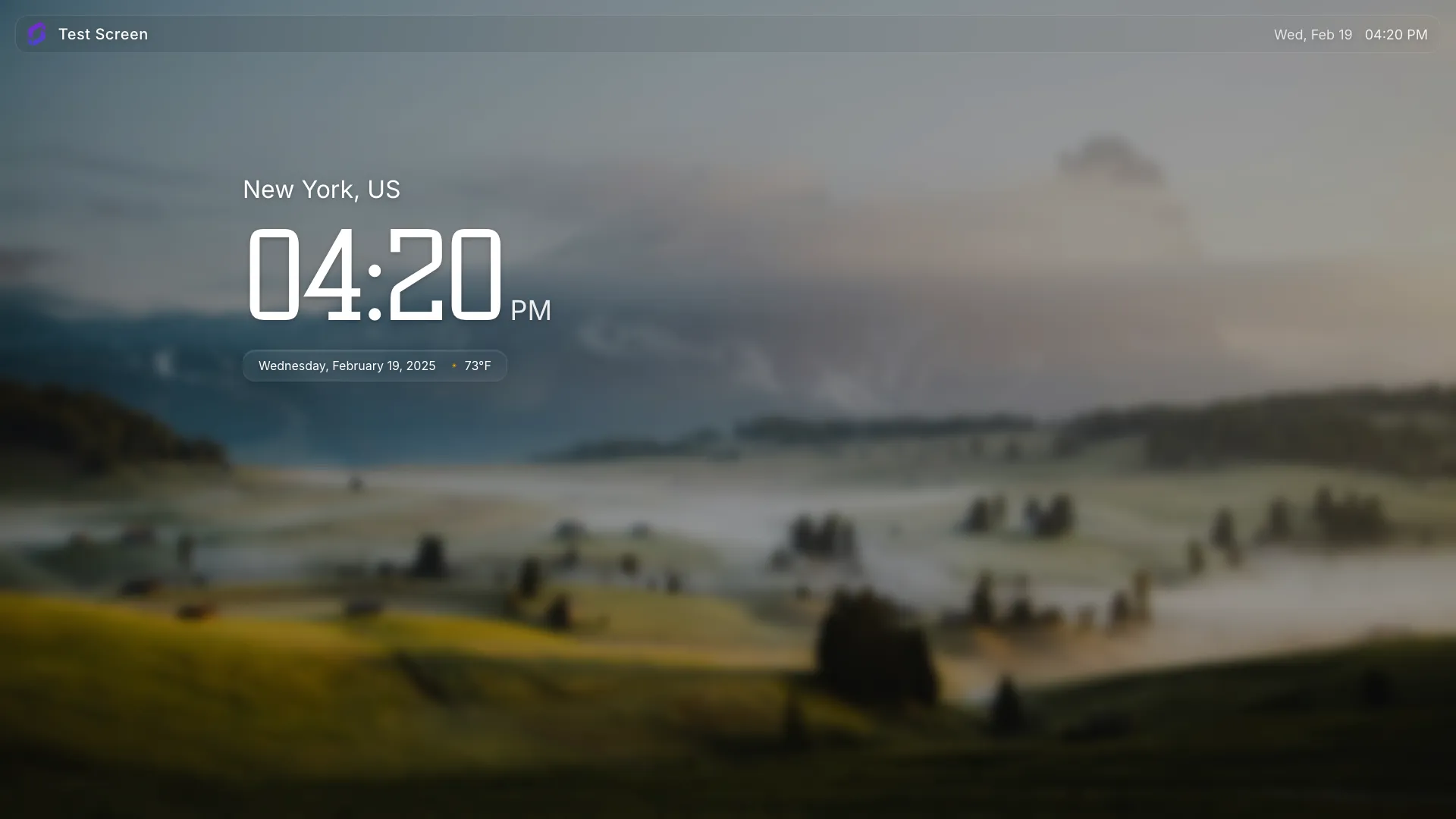
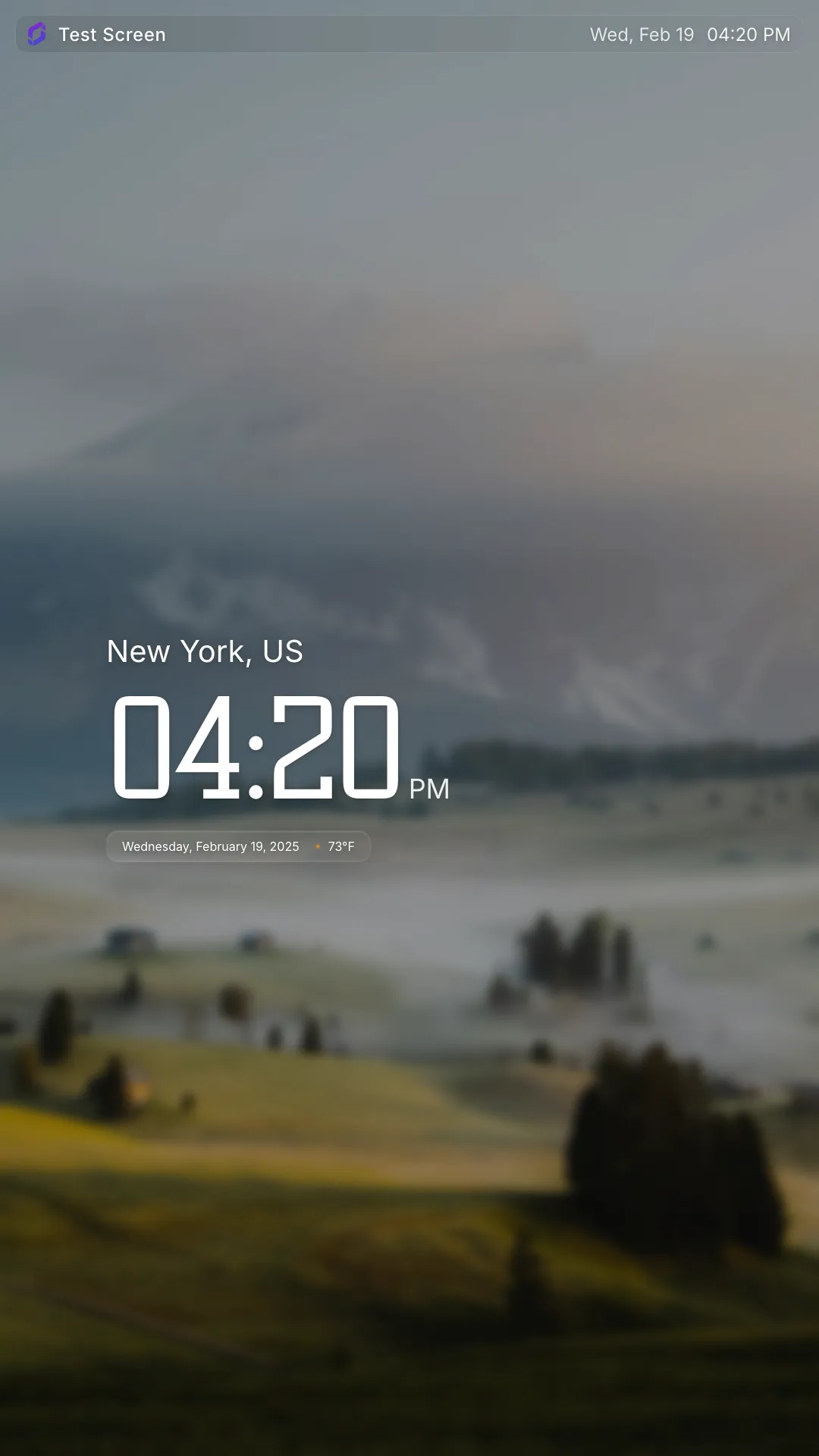
Displaying the time on your digital signs gives viewers the information they need to know to plan their day
Display local time on any screen
With Screenly, you only need to deploy the Clock App once across all your screens. If you have screens in multiple areas, your screen will automatically display the local time for that location.
How it works
Using the Screenly Clock App is easy. Select the time format (12 hour or 24 hour). Next, install the Clock App within your Screenly interface and deploy it to your screens.
Our Clock App is fully customizable
Would you like to change the brand color, add your logo, or display additional data? The choice is yours. Our Clock App is open source, and developers can make changes at the code level.
Content that is relevant and timely
Digital signage deployments always need filler content. Sometimes businesses don’t have an offer or message they want to display or they just want to add some variation to what their sign displays. The Screenly Weather App is a great option for displaying relevant and timely content that adds variety to your digital signage deployment.
Help employees and customers make weather-related plans
With the Screenly Weather App, businesses can provide viewers with the information they need to make weather-related plans. Do they need to adjust their travel times as traffic backs up during storms? Maybe employees need to bring their umbrellas or raincoats from their lockers or desk areas. The Screenly Weather App makes this information accessible at a glance.