
Create clean, trackable QR codes right from your Screenly Players. Perfect for linking viewers to websites, forms, menus, downloads, and more.
QR Code Generator App
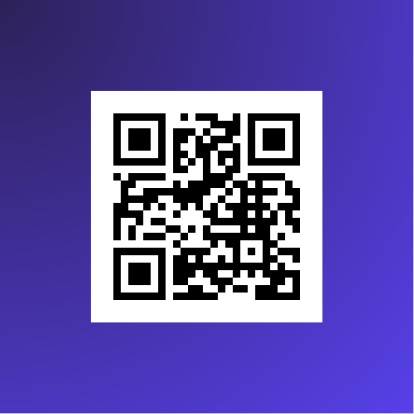
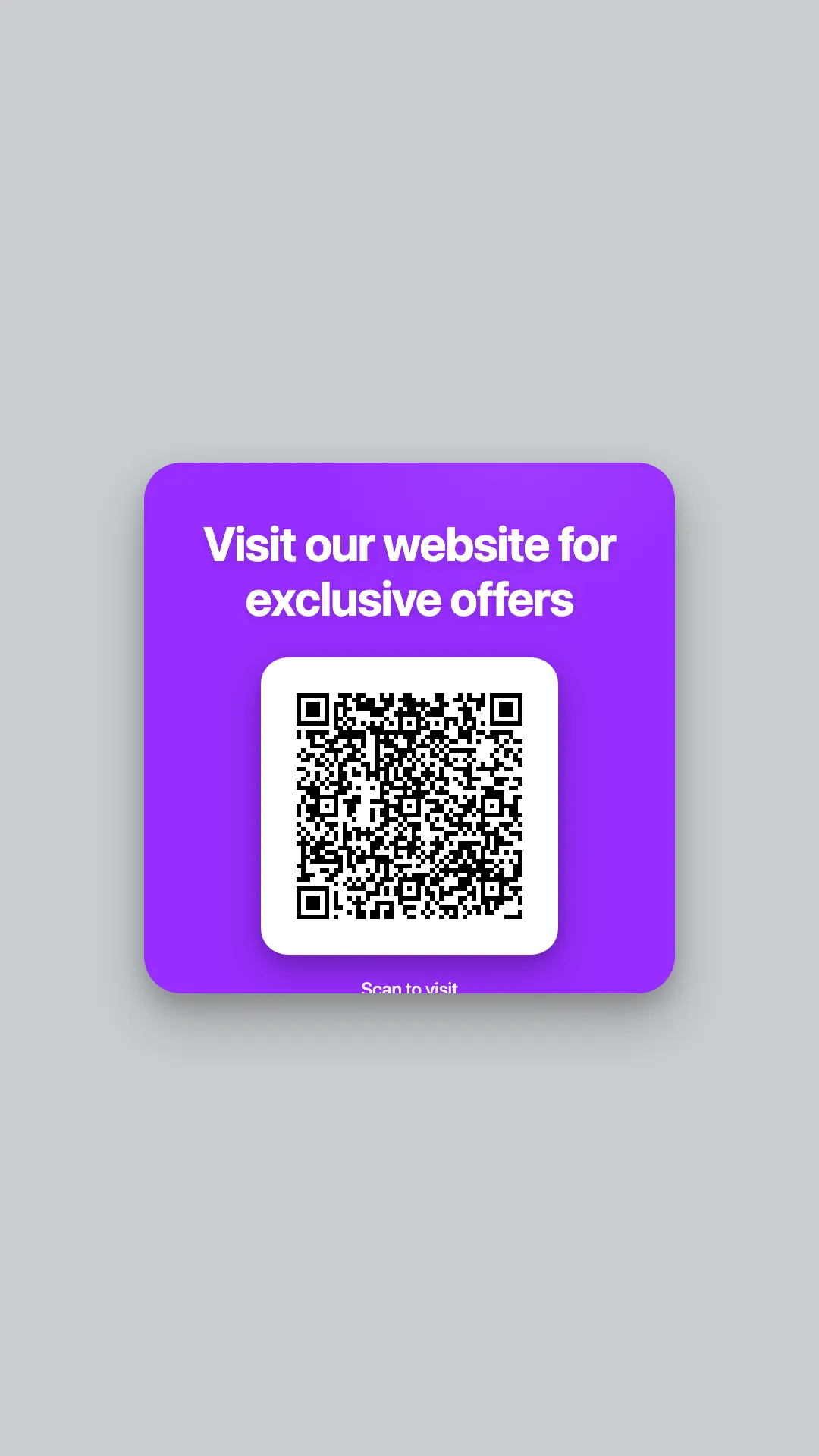
The QR Code Generator App is a simple yet powerful way to display QR codes on your digital signage. Whether your goal is to drive traffic to a website, collect responses through a form, or promote an event, this app makes it effortless to generate and display QR codes in real time.
With optional UTM tracking support, you can also measure how your screens contribute to engagement across different locations. Our guide to digital signage advertising covers using QR codes to give every campaign a next step.
Key Features
- Generate QR codes as scalable assets optimized for digital signage
- Optional automatic UTM parameter tracking for analytics
- Customizable text (headline + call-to-action)
- Built-in theme color integration via
@screenly/edge-apps - Works instantly on all Screenly Players
Real-Time QR Code Generation
Simply enter a URL and your QR code is generated on the fly. If UTM tracking is enabled, Screenly automatically includes metadata such as screen location and hostname, allowing better attribution for marketing analytics.
The QR code updates immediately whenever you change app settings. No manual uploads required.
Display Options
You can customize two optional text elements:
- Headline: Appears above the QR code (e.g., “Scan to Learn More”)
- Call-to-Action: Displays below the headline (e.g., “Visit our website for details”)
These text elements automatically follow your display’s theme colors for a clean, branded presentation.
UTM Tracking Parameters
When UTM tracking is enabled, the app adds the following analytics tags to your URL:
utm_source=screenlyutm_medium=digital-signageutm_location: Derived from Player metadatautm_placement: Player hostname
This helps your marketing or analytics team understand where scans are coming from.
Create Your QR Code Generator App
Open the Screenly Apps page and select QR Code Generator to create a new instance.
After choosing the app, provide a name for your QR Code App and configure the following settings:
- App Name: Name your app installation
- Call-to-Action (optional)
- Headline (Optional)
- URL to encode
- Enable UTM tracking (optional, available under the Advanced tab)

Click Install, and your QR code App is ready to display on your Screenly Players.
Using the QR Code Generator App
Once the app is configured and installed, assign it to a playlist and connect that playlist to a screen. The app automatically displays:
- A crisp, high-resolution QR code
- Optional text (headline + call-to-action)
- Updated URLs with UTM tracking if enabled